table of contents
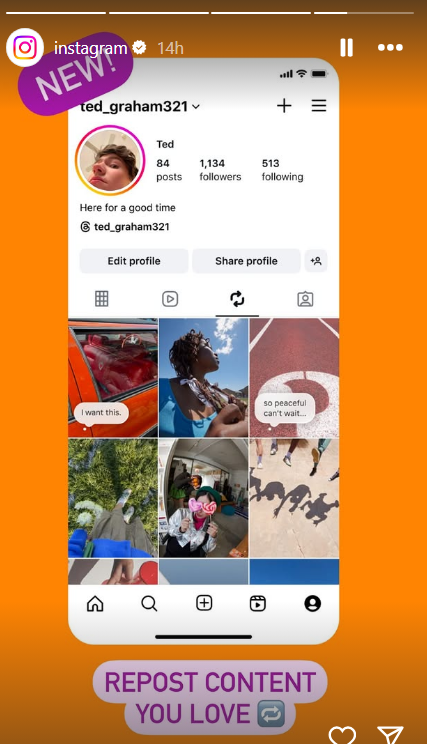
Ultimate Guide on How to Repost on Instagram
If you’re an active user of Instagram, you’ve likely come across posts that you would love to share with your own followers. Reposting is a great way to spread the love and showcase content that resonates with you. In this guide, we’ll explore how to repost on Instagram effectively, ensuring that you give credit to the original creators while enriching your own feed. Whether you’re a casual user or a business account looking to engage more with your audience, understanding how to repost can elevate your Instagram game. You can also check out this helpful how to repost on instagram post for additional tips.
Why Reposting is Important on Instagram
Reposting serves multiple purposes. It allows users to share content that resonates with them, fosters community engagement, and boosts the visibility of both the original poster and the re-sharer. It can often lead to increased interaction, followers, and overall engagement on your account. Additionally, reposting can help small creators gain recognition for their work, creating a supportive and vibrant Instagram community.
Understanding Instagram’s Policies
Before diving into the methods of reposting, it’s vital to understand Instagram’s policies regarding reposting content. Instagram encourages users to seek permission from the original poster before sharing their content. This respect for creators’ rights helps maintain a positive atmosphere on the platform. In most cases, users appreciate being credited when their work is shared.
Methods to Repost on Instagram
1. Reposting Manually
The simplest way to repost is to take a screenshot of the post, crop it, and share it on your own account. Here’s how to do it:
- Find the post you want to repost.
- Take a screenshot of the post.
- Crop the image to focus on the subject.
- Upload the image to your Instagram account.
- In the caption, give credit to the original creator by tagging their account.
While this method is straightforward, it may not always look as polished as other options. It can distort the original post’s aesthetics, but it’s a quick and easy fallback.
2. Using the Instagram Share Feature
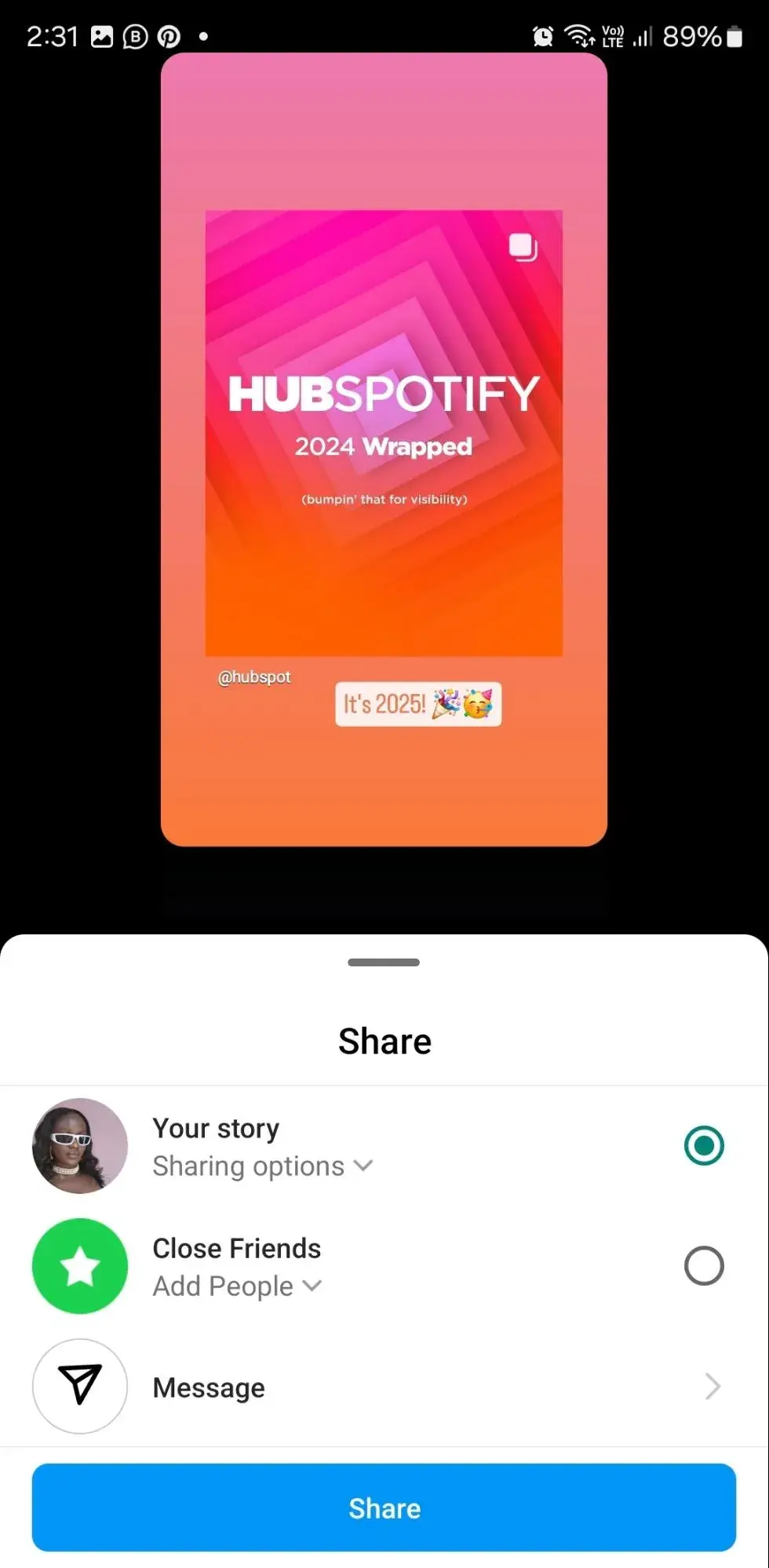
For Stories, you can easily share posts directly:
- Find the post you want to share.
- Tap the paper airplane icon below the post.
- Select “Add Post to Your Story.”
- Customize if necessary and tap “Your Story” to share.
This method is great for engaging your followers instantly, and it maintains the integrity and visuals of the original post.
3. Third-Party Repost Apps
If you’re looking for an easier and more aesthetically pleasing way to repost, there are several apps available. Some popular options include:
- Repost for Instagram
- Regrann
- Repost by Cozy
These apps simplify the process of reposting by allowing you to copy content alongside the original caption and credit. Typically, you just need to copy the link to the post you want to share, open the app, and follow the prompts to repost.
Best Practices for Reposting
To make the most of your reposting efforts, consider the following best practices:
- Always Give Credit: Whether you manually repost, use the share feature, or an app, always ensure the original creator is credited. Tagging them in the caption or on the image is essential.
- Ask for Permission: If you’re unsure or the content is sensitive, don’t hesitate to reach out to the creator for their permission to repost.
- Maintain Aesthetic Consistency: When reposting, ensure that the content aligns with your brand’s aesthetic and values. A cohesive feed will attract more followers.
- Choose Quality Content: Only repost high-quality images or videos that represent what you want to convey to your audience.
- Engage with the Original Post: Leaving a comment or engaging with the original post helps build community and relationships.
Conclusion
Reposting on Instagram can be an incredibly effective way to engage your followers and contribute to the community. By following the proper guidelines and using the right tools, you can share content that inspires you while giving credit to its creators. Whether you choose to repost manually, use Instagram’s share feature, or utilize a third-party app, always remember the importance of respecting the original content and its creator. Happy reposting!